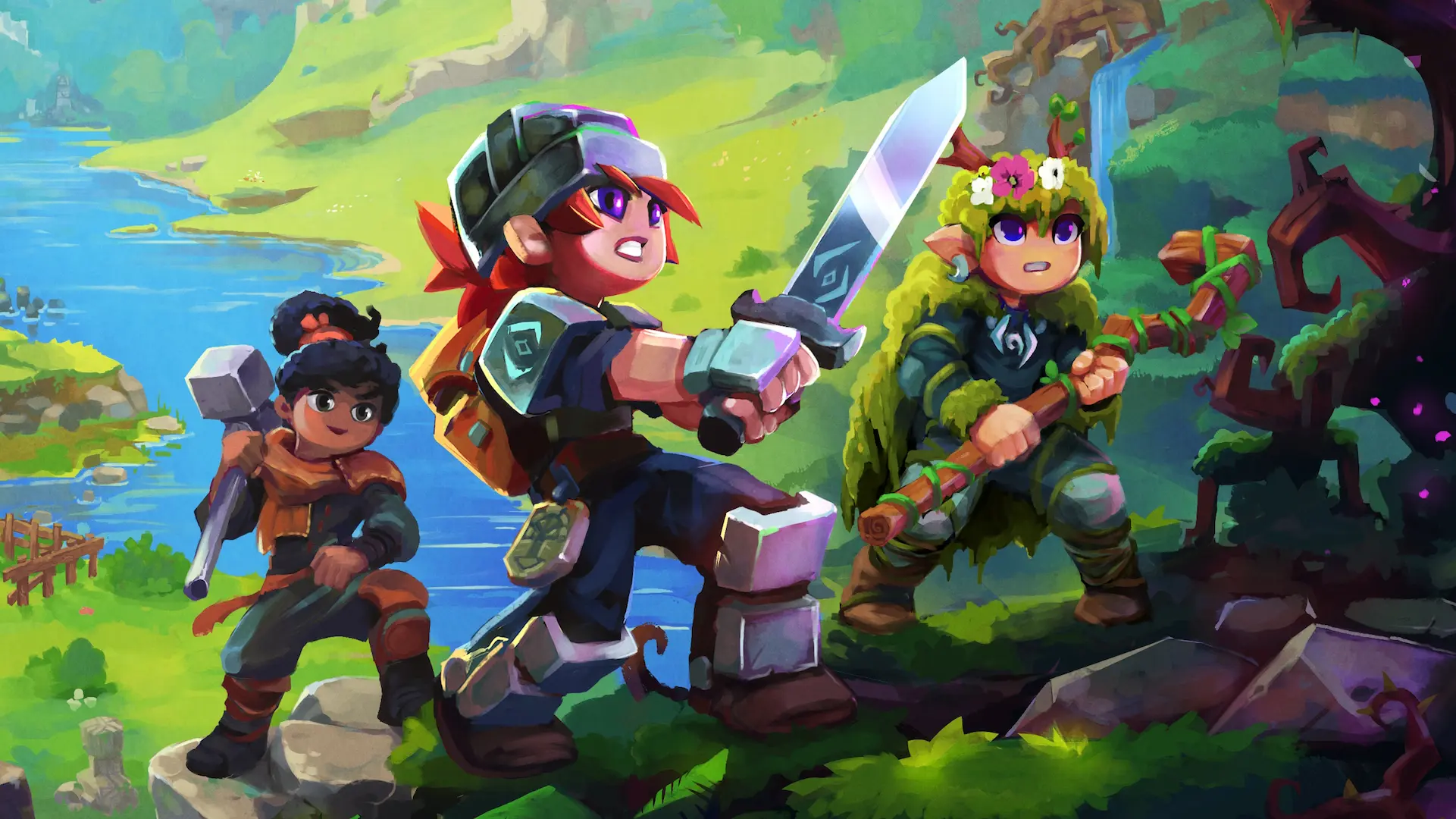
Hytale is finally out in early access, bringing its sandbox RPG world to players after over 7 years of waiting. Created by a passionate team, Hytale mixes Minecraft-style building with RPG mechanics and mod support. It lets you explore, craft, reshape the world, discover secrets, and much more!
And yes, multiplayer is fully supported. Here is how to jump in and play with your friends safely.
Multiplayer Basics
Hytale’s multiplayer works a little bit differently than what you are used to. Instead of the traditional friends list, you connect via what is called “share codes.”
It is also important to note that these codes can reveal your IP address, so only share them with people you trust. Do not give them out to strangers!
On top of that, when the host goes offline, their world becomes inaccessible. You can only play in a friend’s world if that person is online. And if it is your own world, your friends can only play in yours when you are actually online.
How to Invite Friends to Your World
Once you know the basics, multiplayer is not that hard to set up. All you need to do to invite someone to your world is:
- Start your world and open the main menu.
- Go to the Online Play tab.
- Go to “Allow other players to join” and set it to “ON.”
- A unique server code will appear that you need to copy and give to your friends.
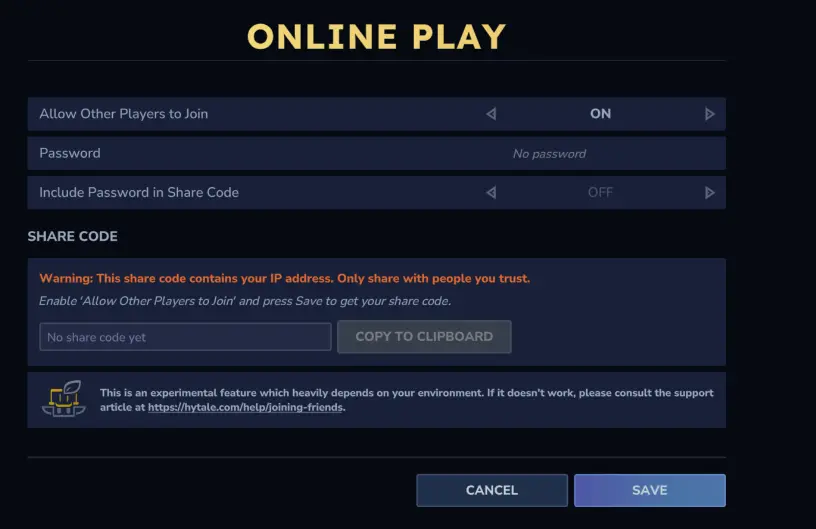
You can add a specific password and decide if you want that code to be included in the share code, but that is only if you want to secure it further. That is it! Once your friends have the code, they can hop straight into your world.
How to Join a Friend’s World
- Open the main menu and go to the Servers tab.
- Select “Join via code.“
- Paste or type the code your friend sent you.
- Press Connect to jump in.
Be careful, if you get disconnected, you will need to re-enter the code to rejoin, so keep it safe just in case!
Dedicated Servers
For bigger groups or in case you really want a more stable gameplay, you can use third-party servers. However, they are a bit more complex to set up, but usually have a better performance and higher player limits.
If you want to set up your own dedicated server, Hypixel has a specific Hytale Server Manual that has all the instructions for you!
If you are exploring dungeons, building epic worlds, or even just hanging out with friends, Hytale’s multiplayer definitely makes it easy to play together! Just remember to share your codes wisely and have fun!
For more guides and information, check out our latest news!